Attaching data
Simulating data is great for seeing how models might look when measured
by a reflectometer, but mostly we are going to use the program to fit
measured data. We saved the simulated data from above into files named
nifilm-tof-1.dat, nifilm-tof-2.dat,
nifilm-tof-3.dat and nifilm-tof-4.dat.
We can load these datasets into a new model using
nifilm-data.py.
The sample and instrument definition is the same as before:
from refl1d.names import *

nickel = Material("Ni")
sample = silicon(0, 5) | nickel(100, 5) | air

instrument = SNS.Liquids()
In this case we are loading multiple data sets into the same
ProbeSet object. If your
reduction program stitches together the data for you, then you can simply
use probe=instrument.load('file').
files = ["nifilm-tof-%d.dat" % d for d in (1, 2, 3, 4)]
probe = ProbeSet(instrument.load(f) for f in files)
The data and sample are combined into an
Experiment,
which again is bundled as a
FitProblem
for the fitting program.
M = Experiment(probe=probe, sample=sample)

problem = FitProblem(M)
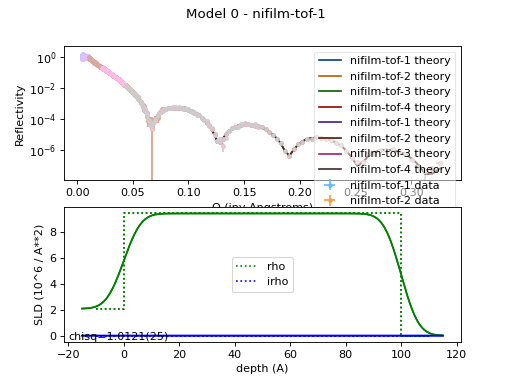
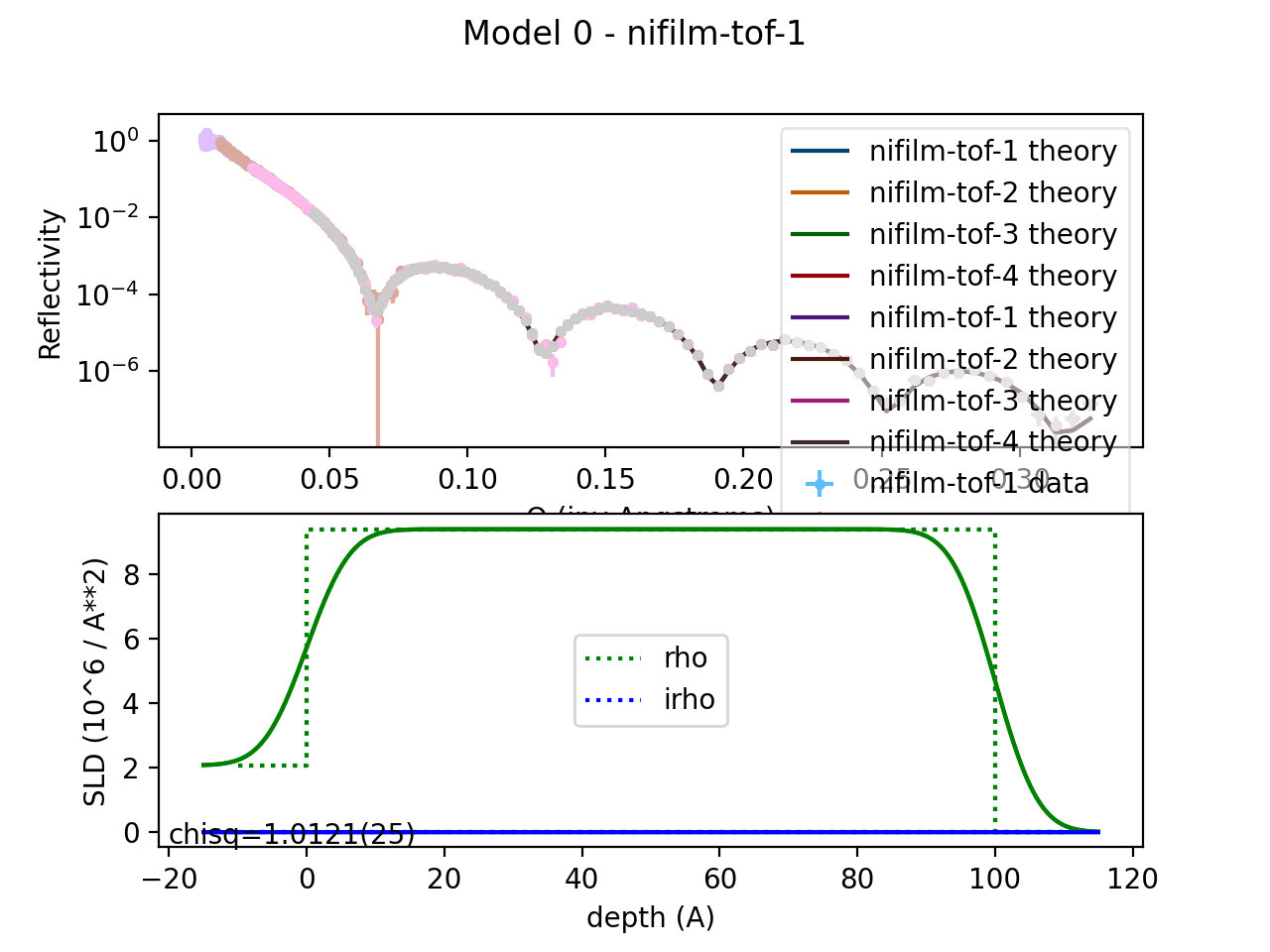
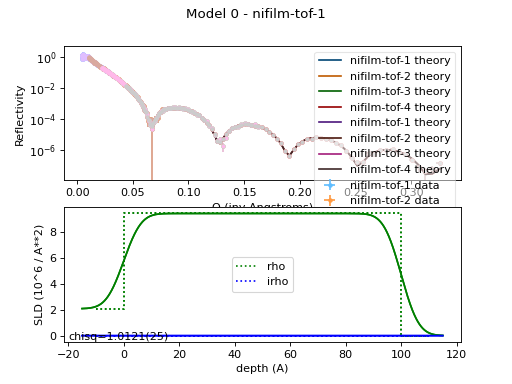
The plot remains the same:
(Source code, png, hires.png, pdf)